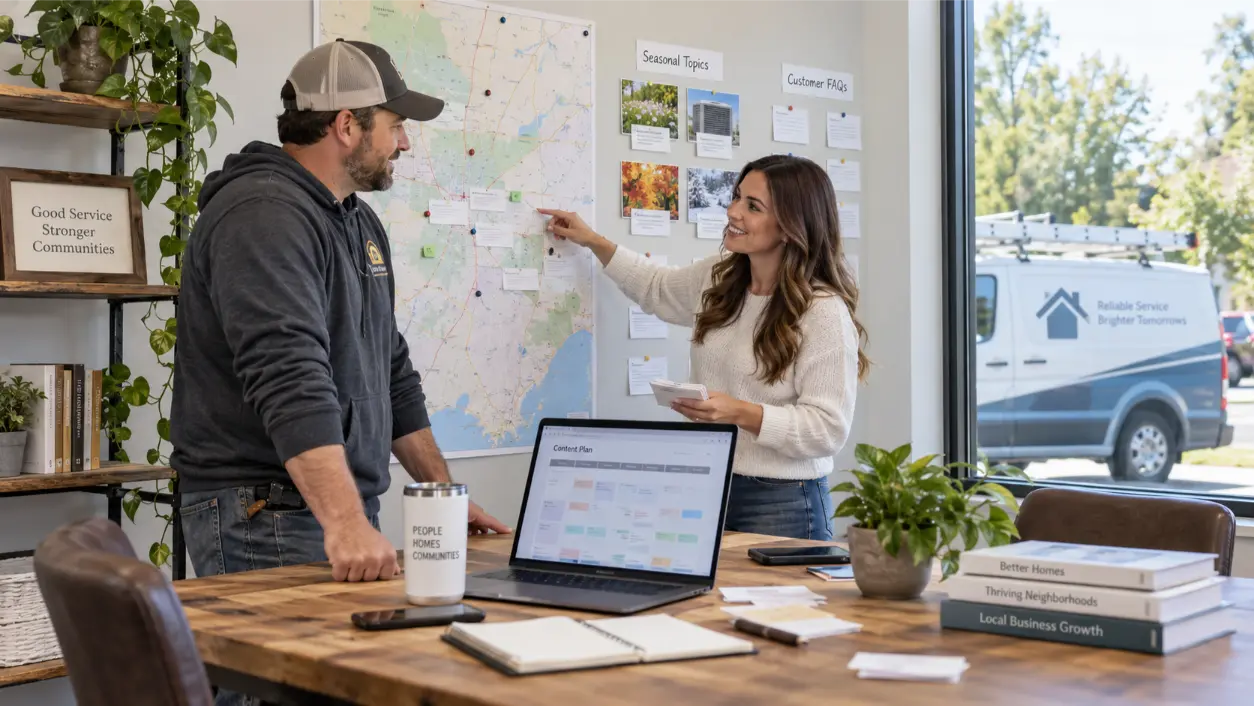
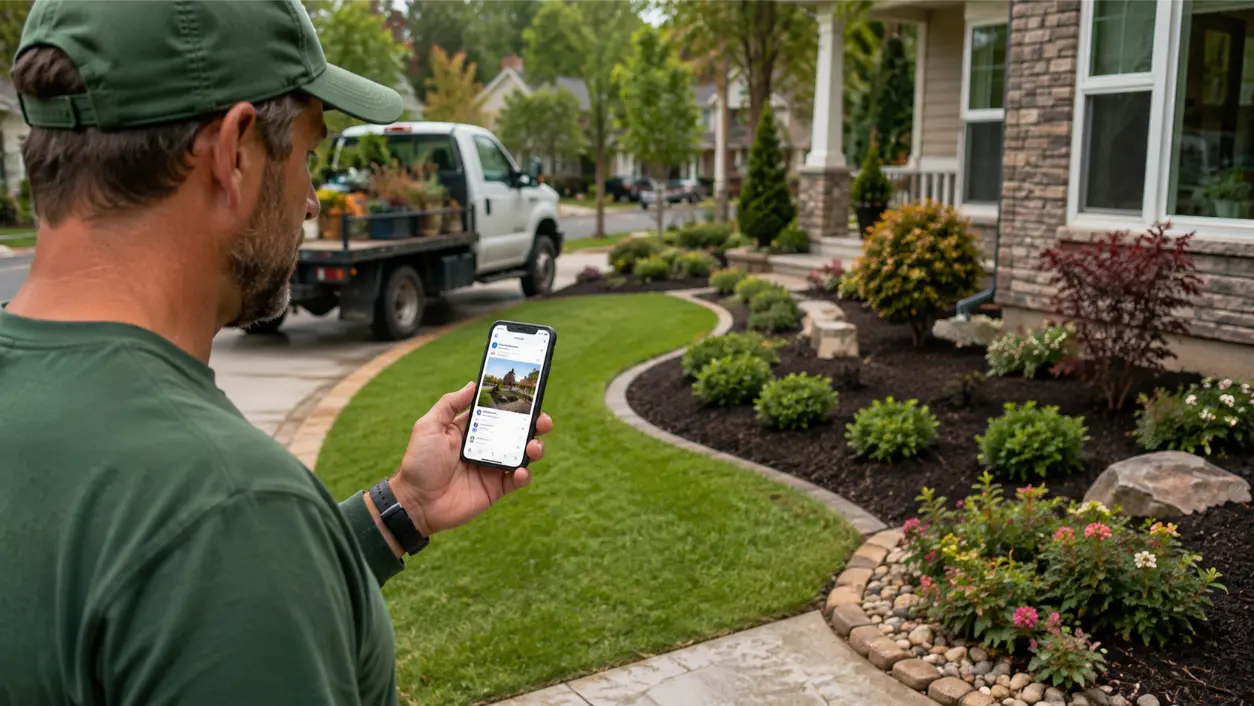
If your map visibility is improving but the phone is not ringing more often, GBP posts for service business can give potential customers more timely reasons to act when they find your Google Business Profile.
For a landscaper or lawn-care company, that might mean showing recent work, promoting a seasonal service, answering a common lawn question, or highlighting an offer with a clear next step. Posts do not guarantee calls or higher local rankings, but they can make a visible profile more useful, current, and action-oriented.
Google says Business Profile posts can share updates, offers, events, photos, and videos with customers on Search and Maps. That makes posts useful when a service business already has visibility but needs to turn more of that attention into website visits, call-button clicks, quote requests, or other customer actions.
Why Map Views Can Rise While Calls Stay Flat
More profile views are not the same thing as more buying intent. Searchers may still be comparing companies, checking photos, researching seasonal services, or deciding whether you serve their neighborhood. If views rise but calls stay flat, look for a conversion gap: outdated photos, vague service messaging, no timely reason to contact the company, weak offer details, or a website that does not match the profile.
Posts can help close part of that gap by answering, “Why should I contact this company now?” They work best alongside an accurate profile, strong reviews, useful service pages, good photos, a clear website, and reliable follow-up.
What Google Business Profile Posts Can Actually Do
Google currently supports three main Business Profile post types: Updates, Offers, and Events. Posts can include text, photos, or videos and can appear in the Updates or Overview areas on mobile and in the “From the owner” section on desktop. Google also notes that posts older than six months are archived unless a date range is set.
For a home-service company, a good post should usually do one of four jobs:
- Show a recent, believable example of work.
- Promote a timely service or offer.
- Answer a common seasonal question.
- Give the customer a clear reason to call, visit the website, or request service.
The Three Post Types and When to Use Them
Updates: Ongoing Service Visibility
An Update is the most flexible format. Google allows a description, photo or video, and an action button with a link. Landscapers can use Updates for recent projects, service reminders, before-and-after work, maintenance tips, or short educational posts. Examples include “What early crabgrass looks like,” “Three signs your irrigation schedule needs adjusting,” or “Fresh mulch installation completed this week.”
Offers: Specific Seasonal Promotions
Google Offer posts require a title and date range and automatically include a View Offer button. They can also include a description, photo or video, coupon code, link, and terms. A lawn-care company might use an Offer for a spring cleanup package, first mowing promotion, fall leaf-removal special, or winter pruning offer. Use real dates, real terms, and clear eligibility.
Events: Real Dates and Community Moments
Event posts work when there is a genuine event with a start and end date, such as a home-and-garden show, neighborhood cleanup, workshop, or community event. Most landscapers will use Updates and Offers more frequently.
Google Business Profile Post Ideas for Landscapers
Build a repeatable content system instead of inventing a new concept every week. Rotate through:
- Recent project: Show a bed refresh, edging job, sod installation, pruning job, drainage correction, or cleanup.
- Seasonal service: Promote the service customers should be thinking about now.
- Problem and solution: Explain one visible issue, such as bare patches, overgrown shrubs, standing water, or compacted soil.
- Service-area proof: Share a recent job in a city or neighborhood you genuinely serve without stuffing location names.
- Preparation tip: Explain what a customer should do before a crew arrives or before a weather change.
- Trust post: Show the crew, equipment, clean jobsite, or process behind the finished result.
- Offer: Publish a real promotion with dates, scope, and terms.
- Availability update: If you genuinely have openings, explain which services are being scheduled and how to request an estimate.
Build Posts Around the Seasonal Service Calendar
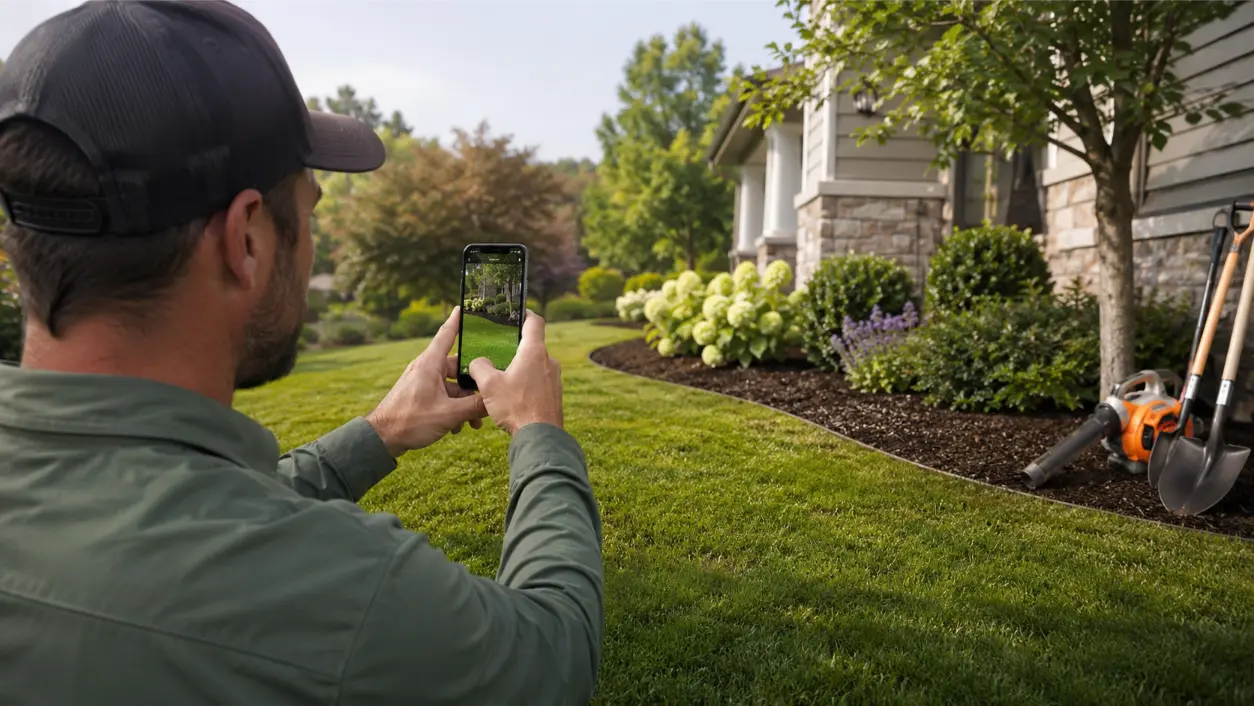
Landscaping demand changes with weather and plant cycles, so a seasonal calendar is more useful than random posting. At the start of each month, ask: What service will customers need in the next two to four weeks? What problem are homeowners starting to notice? What real project can we photograph that proves we do this work?
Then publish ahead of demand. A spring-cleanup post is more useful before every yard is already overgrown. An aeration reminder should appear before the schedule is full. A leaf-removal offer should be visible as the season begins. Seasonal timing also reduces generic filler because every post connects to a real service, question, project, or decision.
Use Photos That Help a Homeowner Evaluate You
Google allows photos and videos in Business Profile posts, and visual proof is especially valuable for landscaping. Prioritize original photos showing completed work, accurate before-and-after progress, details related to the service being promoted, crew members working professionally, or organized equipment and jobsites.
Avoid turning every image into a text-heavy ad. Let the photo provide proof while the post text explains the service and next step. Keep images current and representative of work your company actually performs.
Write the Post So the Next Step Is Obvious
A practical structure is:
- Situation: Name the seasonal need or visible problem.
- Service: State what your company does about it.
- Proof: Mention the recent project or process shown in the photo without exaggeration.
- Next step: Tell the customer to call, request an estimate, learn more, or visit a relevant service page.
Example: “Thin areas showing up after summer heat? We are scheduling fall aeration and overseeding for lawns that need help before cooler weather. This week’s photo shows a recent preparation job before seed application. Use the call button or request an estimate through our website to ask about availability.”
Do Not Put the Phone Number in the Post Description
Google warns that posts containing phone numbers in the post content may be rejected. Its posts content policy recommends using the Call now button, which uses the verified phone number on the Business Profile, instead of inserting the phone number into the post text. Keep the profile phone number accurate and let the post focus on the service.
How Often Should a Service Business Post?
Google does not publish a universal weekly posting frequency that guarantees calls. A practical starting point for many landscapers is one useful post per week during active seasons, with additional Offer or Event posts when there is a genuine promotion or event.
Consistency matters more than filler. Google also supports scheduling and recurring posts, which can help with planning, but recurring content should still be reviewed so it remains accurate and timely.
Measure Whether Visibility Is Turning Into Action
If map views are up but calls are flat, measure the actions that matter. Google Business Profile performance can show profile views, searches, interactions, directions, website clicks, and calls when those metrics apply.
Google defines the Calls metric as the number of times a customer clicks the call button on the Business Profile. That is useful, but it is not the same as answered calls, qualified leads, or booked jobs. Pair Business Profile data with call tracking, a CRM, scheduling records, or a lead log when possible.
Review performance in four-week or monthly windows and compare profile views, relevant search terms, call-button clicks, website clicks, estimate requests, and actual booked work. You can also calculate an internal call-click rate by dividing call-button clicks by profile views for the same period. Treat that as your own trend, not a Google-defined conversion metric.
Common GBP Posting Mistakes
- Posting only discounts: Constant promotion can make the profile feel interchangeable with competitors.
- Using generic stock photos: They provide less proof than real local work.
- Repeating the same post: Consistency should not mean duplication.
- Putting phone numbers in the text: Google may reject posts containing phone numbers.
- Sending clicks to the wrong page: A Learn More button should lead to a relevant service or quote page when one exists.
- Making unsupported promises: Avoid guaranteed results, fake scarcity, or claims you cannot substantiate.
- Ignoring the rest of the profile: Posts cannot compensate for wrong hours, weak photos, missing services, or an inaccurate phone number.
An Eight-Week Posting Plan for a Landscaping Company
- Week 1: Recent project photo and service explanation.
- Week 2: Seasonal problem and what homeowners should notice.
- Week 3: Service spotlight with a relevant website link.
- Week 4: Genuine seasonal Offer with dates and terms.
- Week 5: Crew or process photo showing what customers can expect.
- Week 6: Accurate before-and-after project.
- Week 7: FAQ-style Update answering a common lawn or landscape question.
- Week 8: Scheduling reminder tied to the next seasonal service window.
After eight weeks, compare Business Profile calls, website clicks, and interactions with the prior period, then compare those numbers with actual inbound calls and booked work. Keep the categories that appear to support customer action and replace those that attract attention without useful engagement.
Connect GBP Posts to the Rest of Your Local Marketing
Posts work best when the rest of the customer path is ready. A drainage post should lead to a useful drainage or landscaping page. A seasonal lawn offer should match the website. A customer who taps through should find a fast, mobile-friendly page with a clear way to request service.
Core Focus Marketing works with landscapers and other home-service companies on local visibility, websites, lead generation, and follow-up. Its Home Services marketing approach emphasizes local search, conversion paths, call and text tracking, and coordinated follow-up, while its SEO services focus on search visibility, content, technical performance, and measurement.
If your Google Business Profile is getting seen but not producing the customer actions you expected, review the full path from search visibility to profile content to website experience to call handling. Core Focus Marketing can help evaluate that system and identify where attention may be getting lost before it becomes a lead.
Frequently Asked Questions
Do Google Business Profile posts improve local rankings?
Google does not state that publishing posts guarantees higher local rankings. Treat posts as a customer-information and engagement feature that can make your profile more timely and useful.
How often should a landscaper post on Google Business Profile?
There is no Google-mandated weekly frequency that guarantees results. One useful post per week during an active season is a practical starting point, with additional Offer or Event posts when there is a real reason to publish them.
What should a lawn-care company post each week?
Rotate recent work, seasonal service reminders, problem-and-solution tips, service-area examples, crew/process content, FAQs, and genuine promotions. Tie each post to a service customers may need now.
Can I put my phone number in a GBP post?
Google warns that posts containing phone numbers in the post content may be rejected. Use the verified profile phone number and the Call now button when appropriate.
What photos work best for landscaping GBP posts?
Original project photos generally provide the clearest proof. Show finished work, accurate before-and-after progress, service details, crews, and real jobsite conditions.
How do I know whether GBP posts are helping calls?
Use Business Profile performance to monitor call-button clicks, website clicks, views, searches, and other interactions, then compare those metrics with your own call tracking or booking records. Google’s Calls metric counts call-button clicks, not answered calls or booked jobs.
This article provides general digital marketing information. Google Business Profile features, policies, and reporting can change, and results vary by market, profile quality, competition, seasonality, service demand, website experience, and follow-up. Publishing posts does not guarantee rankings, calls, leads, or booked jobs.
RELATED LINK:
Google Business Profile Help — Create & manage posts on your Business Profile
Google Business Profile Help – Manage your Business Profile photos & videos